
Tire inspection interface
TreadScan™
TreadScan presents TireMetric measurement results for workshop staff through a clear inspection dashboard, vehicle history and result summary.
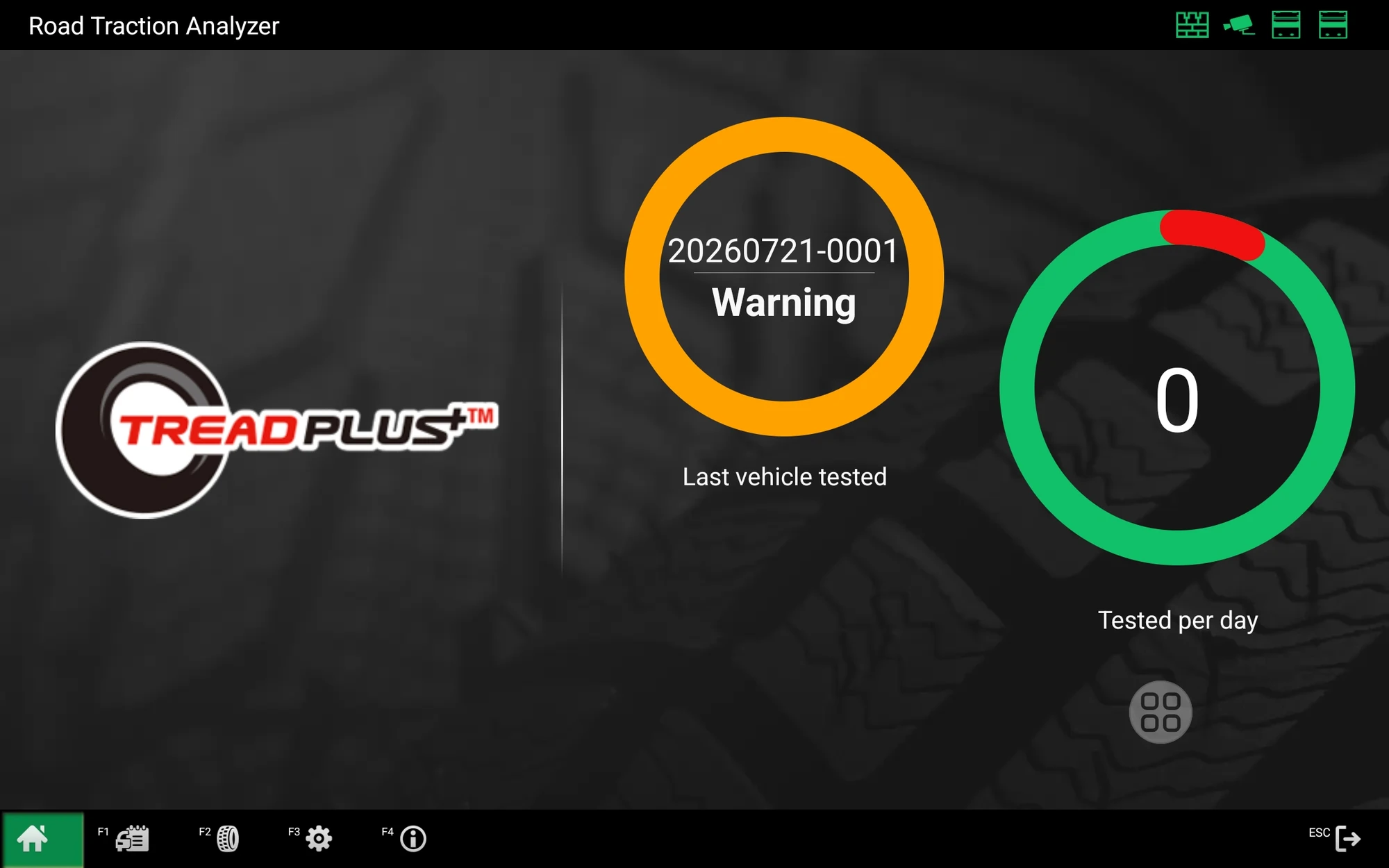 Actual interface
Actual interface
From inspection to review.
Three operator views cover daily activity, vehicle history and the inspection summary. Interface details vary by software version, licence, hardware and region.
Inspection dashboard
The dashboard provides an at-a-glance view of recent inspection status and daily activity.
Workshop role
One clear tire-inspection workflow.
TreadScan presents TireMetric measurement results for workshop staff through a clear inspection dashboard, vehicle history and result summary.
- 01
Color-first view
Support quick customer conversations with an immediately understandable tire-condition presentation.
- 02
Detailed values
Review minimum depth or individual groove values when the technician needs more measurement detail.
- 03
Inspection history
Recall saved inspections by vehicle identifier and date to support repeat-customer conversations.
Related paths
Connect the platform to products and knowledge.
Review the associated product category and technical learning material before selecting a configuration.
Product configuration
Confirm availability for the selected system.
Feature availability varies by product, software version, hardware, licence and market.